Live translation now available to Google meet users
Google meet is a meeting platform just like zoom. It also allows users to host or join a meeting, it can be a one or one to the group meeting. The platform is packed with some cool features and also has some exclusive features for business owners. To be part of the exclusive users, you have to be subscribed to a plan.
The exclusive plans also come in categories, so you will have to subscribe to the plan that suits your budget or company’s need. Some months ago, Google announced the release of the translation feature that automatically translates while the meeting is ongoing. Although, at that period it was only limited to one translation which is English. Now more languages have been added; French, Portuguese, German, and Spanish. Hopefully, more languages will be added soon.
Is Google meet live translation caption available for all Google meet users?
Unfortunately, the feature is not available for all Google meet users. The downside of the new feature is that the feature is only available to exclusive users. Users that can access this feature include:
Enterprise Standard
Google Workspace Business Plus
Teaching and LearningGoogle
Workspace for Education Plus
Enterprise Plus
The service is available to meetings hosted with the above plan. While the service is not yet available to the following plans:
Google Workspace Essentials
Enterprise Essentials
Business Starter
Business Standard
Google Workspace for Education Standard
If you have the above plan, then the service is not available for your plan.
How do I activate Google meet live translation caption
How To Activate Google Meet Live Translation Caption
Activating Google live translation captcha is no stress at all. Follow the steps below to get it activated.
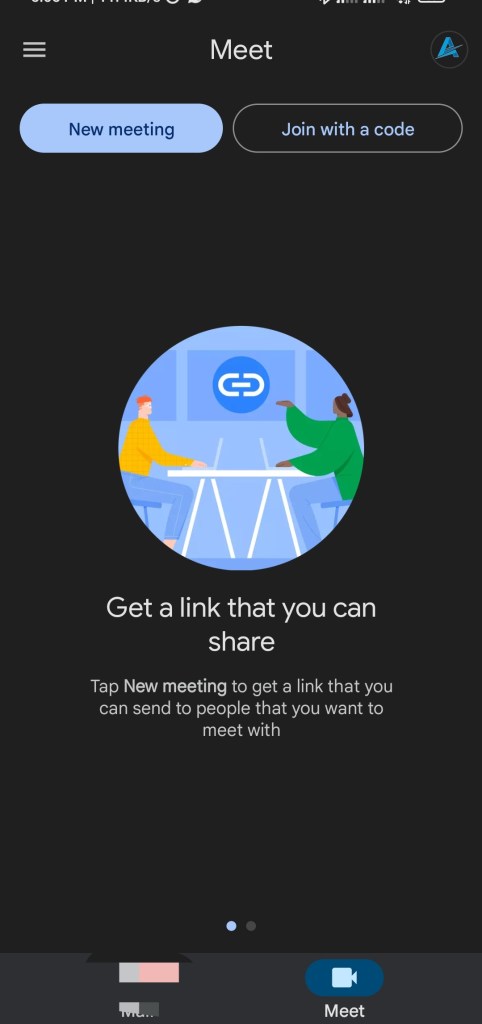
Open up your Google meet app
Now, find the settings icon and tap/click on it.
Navigate to “caption“and click/tap on it.
Now tap/click on “Translated captions” for mobile device users, tap on “Live caption”
You can now choose the language you want to translate to from the options available.
How To Activate Google Meet Live Translation Caption
You have successfully activated the live translated caption on your Google meet. You can explore this feature if you are hosting a meeting with people from different parts of the world.
 Artificial cybernet updates. info